
MAI Image generator: Create and edit with MAI Image 2.7

Make or edit pictures with MAI Image 2.7 from a prompt or up to 5 photos, free to try.

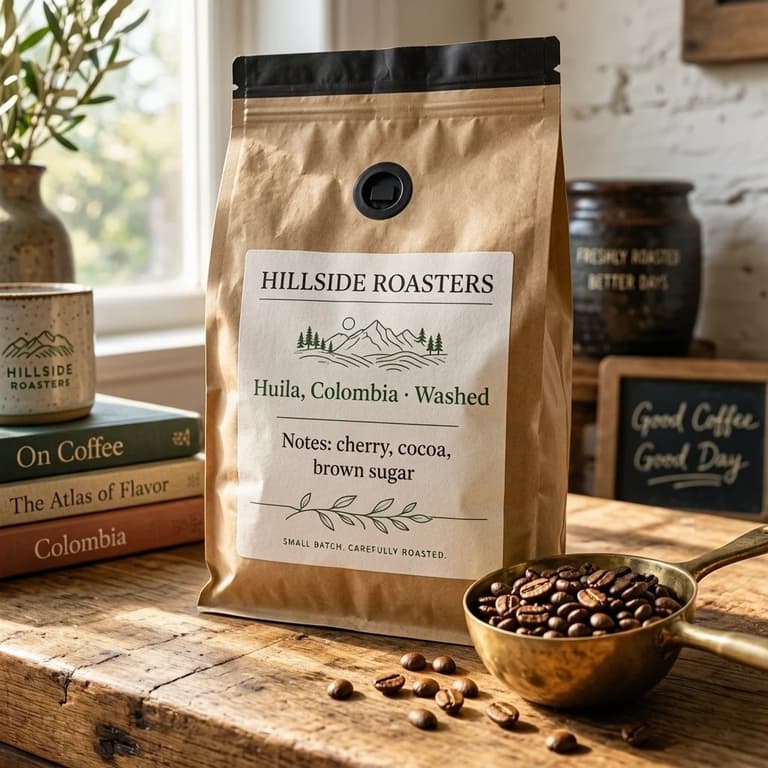
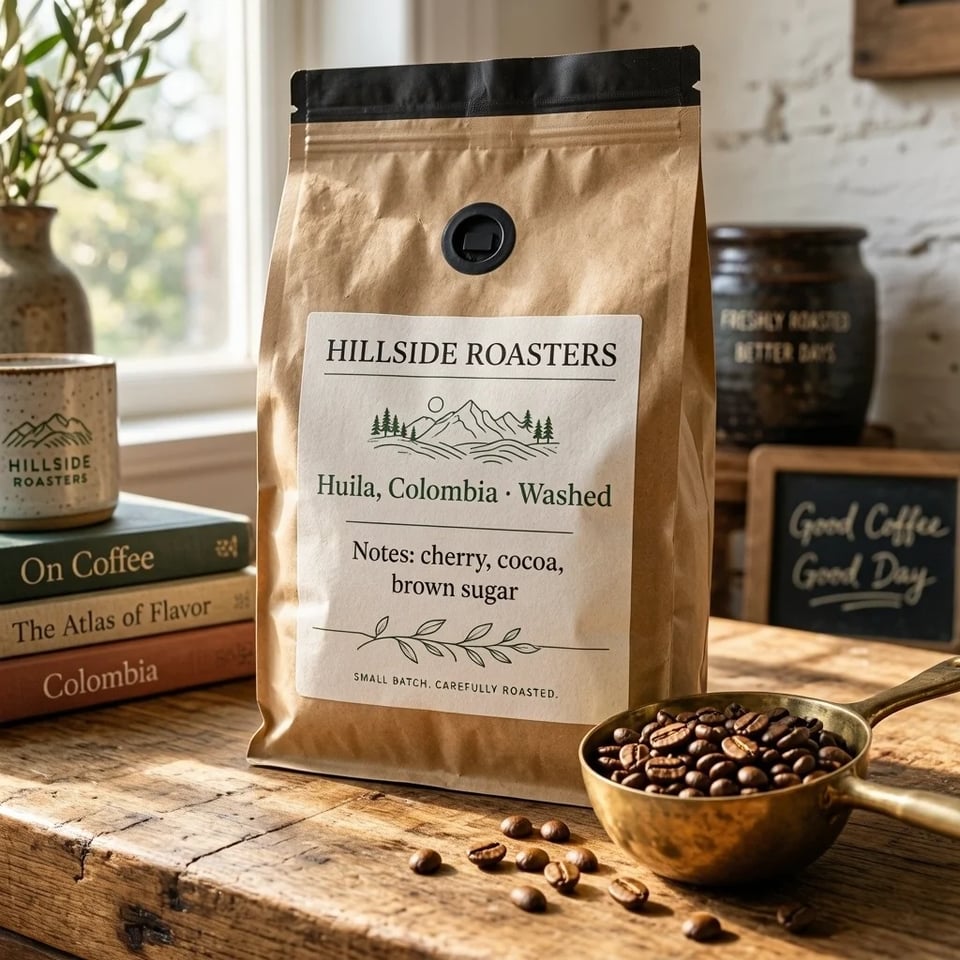
Kraft coffee bag labeled HILLSIDE ROASTERS with a brass scoop of beans
Prompt

A bag of single-origin coffee beans from a small roastery, standing on a worn butcher-block counter next to a brass scoop of beans. The kraft paper label reads 'HILLSIDE ROASTERS' at the top, 'Huila, Colombia · Washed' in the middle and 'Notes: cherry, cocoa, brown sugar' below, in a clean serif typeface. Soft morning light from the left, shallow depth of field, shot like a product listing photo.

Made with MAI Image 2.7

MAI Image 2.7 examples with prompts

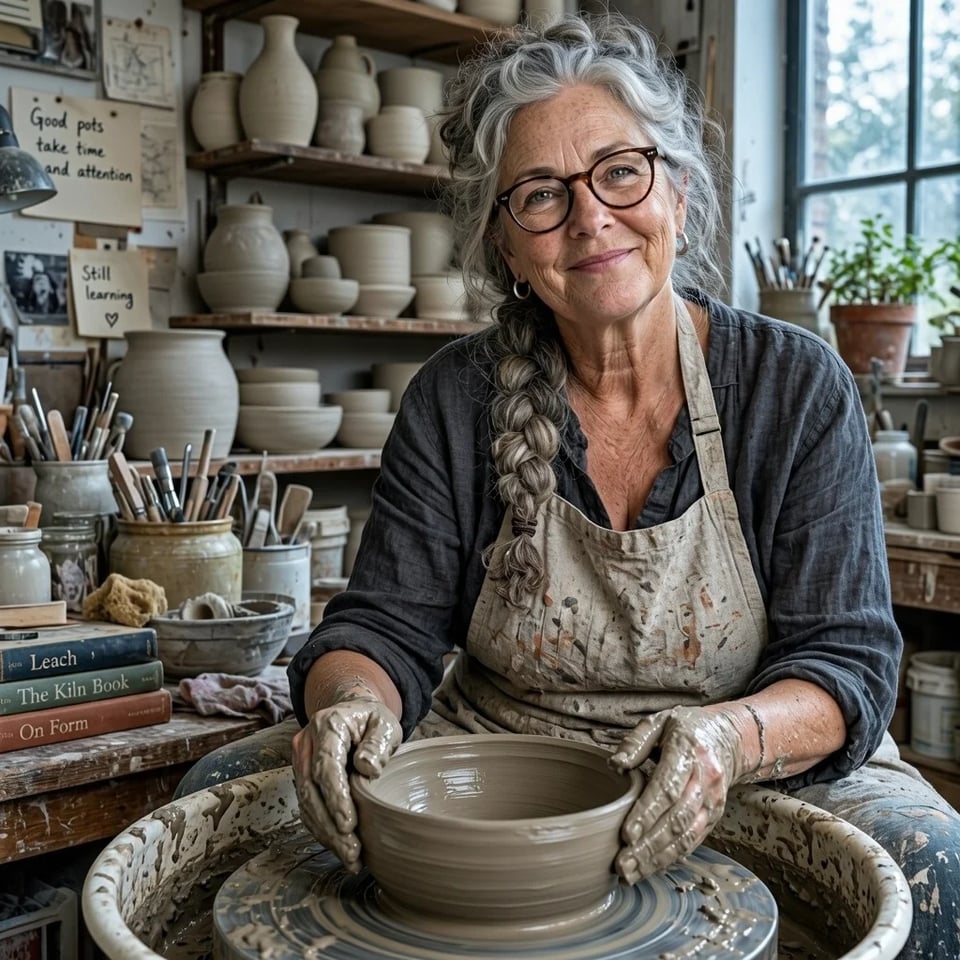
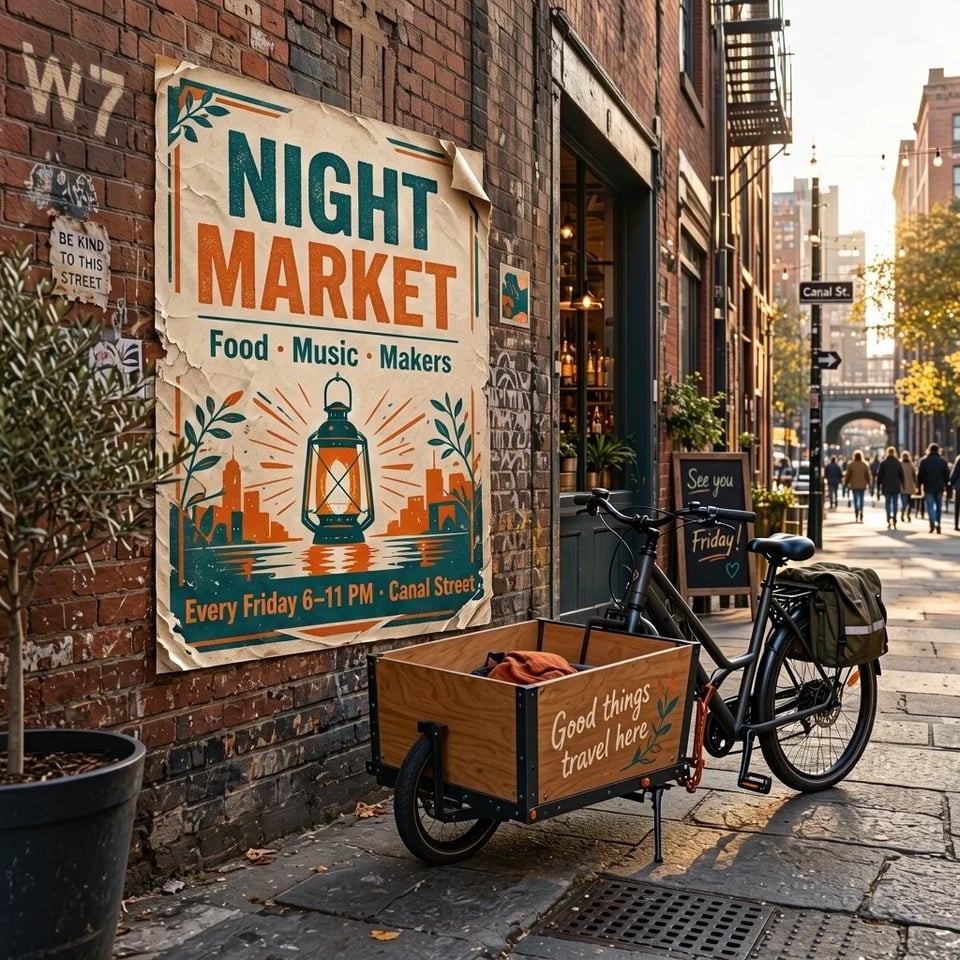
Four MAI Image 2.7 pictures we made at 1K on November 18, 2026, each the first result for its prompt and back in 34 to 41 seconds. Every word we asked for came out right, but the model also adds small signs and book titles of its own, so read the whole picture before you use it.

Kraft coffee bag labeled HILLSIDE ROASTERS, Huila, Colombia · Washed, Notes: cherry, cocoa, brown sugar, on a butcher-block counter with a brass scoop of beans, made with MAI Image 2.7

A coffee bag with a readable label

  • 1:1

Prompt

A bag of single-origin coffee beans from a small roastery, standing on a worn butcher-block counter next to a brass scoop of beans. The kraft paper label reads 'HILLSIDE ROASTERS' at the top, 'Huila, Colombia · Washed' in the middle and 'Notes: cherry, cocoa, brown sugar' below, in a clean serif typeface. Soft morning light from the left, shallow depth of field, shot like a product listing photo.

What is MAI Image?

MAI Image is the family of image models built by Microsoft AI. The line people search for as MAI-Image-2 or MAI Image 2 has moved quickly: MAI Image 2.6 and 2.6 Flash came out on September 4, 2026, and MAI Image 2.7 and 2.7 Flash followed on November 17, 2026. MAI Image 2.7 is the newest version, and the one this site opens on.

MAI Image 2.7 first appeared on October 27 as an editing preview, which is why some articles still call it edit-only. Since the November 17 release it makes pictures from text as well as editing them, and Microsoft reports that it ranked first on Artificial Analysis' image editing leaderboard as of November 16, 2026. MAI Image 2.7 Flash is the version Microsoft built for faster, lower-cost work.

Microsoft also uses MAI Image in Bing Image Creator and its MAI Labs app. Here you get both MAI Image 2.7 versions in one browser generator, for creating and editing, with each picture's price shown before you start.

Quick facts

MAI Image 2.7 at a glance

What Microsoft has published about MAI Image 2.7, and what you get when you run it here.

Made by
Microsoft AI
Released
November 17, 2026
Shown first as an editing preview on October 27, 2026.
What it does
Text to image and photo editing
Model
Diffusion model, 20 billion parameters
Non-embedding parameters, from Microsoft's model card.
Versions here
MAI Image 2.7 and MAI Image 2.7 Flash
Photos per edit
Up to 5
Sizes here
1K or 2K
1K is about one megapixel; 2K doubles each side, so a square picture comes out at 2048 × 2048.
Aspect ratios
7: 1:1, 4:3, 3:4, 3:2, 2:3, 16:9, 9:16
Output
One PNG per run
Free to try
Yes, with sign-up credits
Pictures made with free credits carry a watermark.
Commercial use
With a paid plan or credit pack
Pictures made on a paid plan or with a credit pack can be used commercially; pictures made only with free credits are for personal use.
Edits made here

Edit a photo with MAI Image 2.7

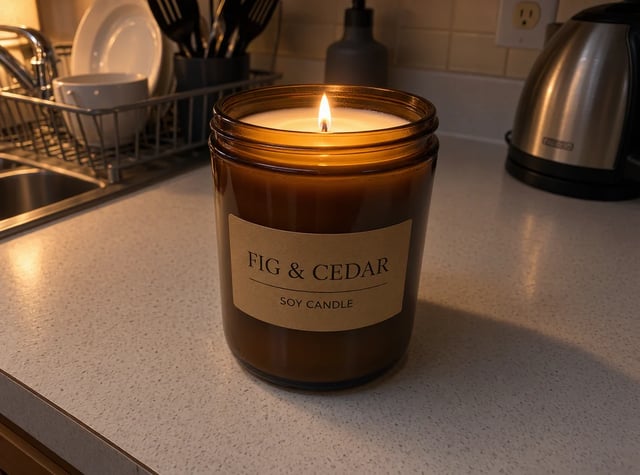
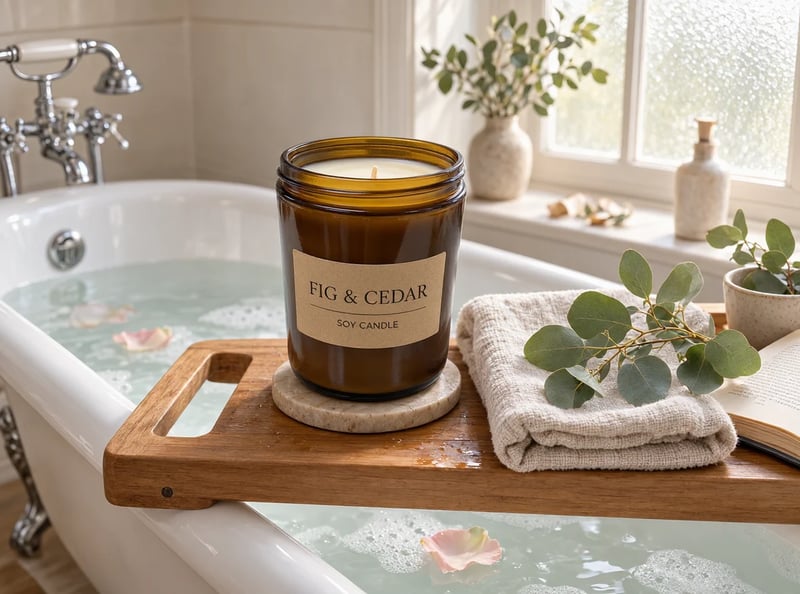
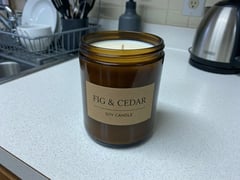
Upload a photo, say what should change and what has to stay. We made these two MAI Image 2.7 edits at 1K on November 18, 2026; hold the button on a result to see the original.

The same FIG & CEDAR candle on a wooden bath tray across a filled clawfoot bathtub with a linen towel and eucalyptus, edited with MAI Image 2.7
Flat-lit product shot of an amber jar candle labeled FIG & CEDAR on a white kitchen counter under flat light, a dish rack behind it
Your photo
ModelMAI Image 2.7
Prompt

Move this candle into a new scene: it stands on a wooden bath tray laid across a filled white clawfoot bathtub, next to a folded linen towel and a sprig of eucalyptus, with soft daylight from a frosted window. Keep the jar, its label and its proportions exactly the same.

  • Kept: The jar's shape, the amber glass and the FIG & CEDAR label are unchanged.
  • Worth checking: It added a stone coaster, rose petals, a vase and an open book. Remove extras with a second short edit if the shot has to stay clean.

Name the parts that must stay the same in the prompt, as this one does.
Pick a version

Two MAI Image models: 2.7 and 2.7 Flash

Both make pictures from text and edit up to five photos at 1K or 2K. MAI Image 2.7 is for the finest detail and final pictures; MAI Image 2.7 Flash costs less per picture and suits drafts and many variations.

How it works

How to use MAI Image

The MAI Image generator works the same way for both versions.

  1. 1

    Pick a model

    Start with MAI Image 2.7 for detailed photos and polished edits, or switch to MAI Image 2.7 Flash when you want quick drafts at a lower price.

  2. 2

    Write a prompt or upload photos

    Describe the picture and put any words that should appear in quotes. To edit, upload one to five photos and say what to change and what to keep.

  3. 3

    Choose ratio and size, then create

    Pick one of seven aspect ratios and 1K or 2K, then create. Read every word in the result before you download it, and rerun with one changed line if something is off.

Pricing

MAI Image plans and credits

Plans and credit packs add credits to your account, and each picture spends credits by version and size. A MAI Image 2.7 picture costs 7 credits at 1K and 30 at 2K; a MAI Image 2.7 Flash picture costs 3 at 1K and 9 at 2K. The generator shows the total, including any photos you upload, before you start.

Black Friday50% OFF
Ends Nov 30--days--hrs--min--sec
  • Up to 333 images or 41 videos

    • All models, including Premium
  • Up to 833 images or 104 videos

    • All models, including Premium
  • Up to 2,500 images or 312 videos

    • All models, including Premium

· No card required

Failed runs are refunded automatically · Cancel anytime

FAQ

MAI Image questions

MAI Image 2.7

Make your first MAI Image picture

Write a prompt or upload a photo, pick MAI Image 2.7 or 2.7 Flash, and try it free.